If you photograph a lot of sunsets (who doesn't?) then you'll find this tutorial by Serge Ramelli invaluable. He has a way of squeezing every ounce of colour from a shot. Enjoy!

In this article I am going to discuss more techniques and settings to get a great looking sunset panorama.
Source:
Daily Tips | How To Photograph and Retouch a Sunset
If you use Photoshop a lot to blend exposures and/or brackets then youve probably heard of Luminosity Masking and you probably know what a pain it is to create the masks manually every time. This panel (PS CS6+) will allow you to do that quickly. That's it.

Source:
Quick Edit Luminosity Masking Panel
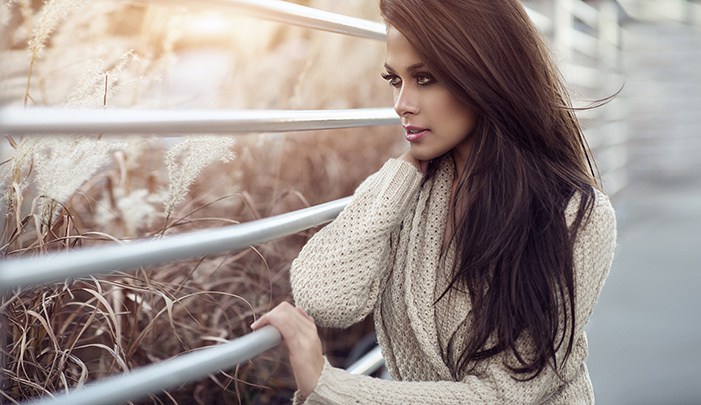
There is an innumerable amount of articles and tutorials teaching parts and pieces of retouching portraits. However, finding the ones with quality techniques and information can take days. Furthermore, there is no singular tutorial that teaches a complete set of methods to retouch portraits free of charge. Finding the right tutorials for each aspect of editing can become very time consuming. This article contains 5 years of research for achieving the greatest methods to retouch a portrait.
Source:
A Complete Guide to Retouching Portraits in Photoshop for Free | Fstoppers
More of a basic beginning for newbie retouchers, don't like blurring the skin myself bit it's a place to start ...
(keep a watch for our intermediate/advanced techniques)
Learn how to retouch photos using the Free Transform and Liquify tools in Photoshop, as well as how to clean up skin with the Healing Brush and Clone Stamp.
Source:
How to retouch photos: pro techniques in 10 easy steps | Digital Camera World